A friend messaged me last week: “I’m about to buy an AI course. It’s not cheap, but the ads make it sound like the only way in.” I asked one question back: “Have you opened ChatGPT and tried the actual task yet?” A few seconds of silence, then a laugh.
Sound familiar? We talk ourselves into believing that using AI well takes a formal course, a certificate, a stack of technical books. It doesn’t. The fastest way to learn how to use AI to boost productivity at work is to open the tool and take on the task already sitting on your desk.
Three practical steps to learn how to use AI to boost productivity at work
The path below is short: open the tool, sharpen the prompt, then hand a few recurring tasks over to an agent.
Step 1: Realize AI Is Simple—Explore Native Ecosystems Without Buying Courses
You don’t need an AI certification to get value on day one. Open the tools you already have and test what is sitting right in front of you:
- ChatGPT (OpenAI): Don’t settle for one-line questions. Upload a dense PDF report and ask for a comparison table, run deep research across dozens of web sources, or build a Custom GPT that mirrors your company’s tone of voice. Test it on translation, contract summaries, and side-by-side competitor analysis.
- Gemini (Google): Tap into the workspace you already live in. Use Gemini inside Gmail to draft replies in an ongoing thread, or inside Google Sheets and Docs to sort messy feedback and write formulas. Seeing AI where your work already happens is what sparks real automation ideas.
- Claude (Anthropic): When you’re ready to venture into deeper automation and technical problem-solving, explore Claude with Model Context Protocol (MCP) on your own machine. Don’t pay for an MCP tutorial; make Claude your one-on-one tutor instead. Ask it straight: “Walk me through installing MCP on my computer step by step, explain what it does in plain English, and show me how to test it.”
- AI Hub (our own app): Full disclosure — this one is ours, and I still open it every day. It gives you deep research to pull a topic together from many sources, a picker with 50+ mainstream AI models so you can run the same question through several of them, and my favourite part: scheduled tasks, so an agent runs on its own in the morning and the result is waiting when you sit down. The three tools above build the reflex; this is where the reflex starts running without you.
Step 2: Never Settle for One Prompt—Iterate Until It Fits
Ask one question and you’ll get one mediocre answer—and most people stop right there. No single prompt teaches you to use AI to boost productivity; that comes from iterating on the same problem from different angles:
- Challenge the output: Ask the AI to grade its own draft, hunt for weak reasoning, or play devil’s advocate against your plan.
- Change the lens and the constraints: Re-prompt with a different frame, for example: “Now rewrite this for a busy CFO who cares only about ROI,” or “Compress this into three bullet points for our operations lead.”
- Compare the versions: Trying several phrasings of the same request is how you build the instinct to direct AI precisely—something no theory book can hand you.
Step 3: Use an AI Hub to Automate Work Processes Every Morning
The real shift isn’t typing prompts faster during office hours. Once you want to use AI to boost productivity beyond your own inbox, it’s about having AI work while you sleep. Automating things sounds heavy, but the way I automate work processes is almost boring: one small recurring task at a time. With the AI Hub app (on the App Store and Google Play), you can schedule recurring agents that run daily or weekly:
- Morning industry intel: Have an agent scan niche industry news, company blogs, and changelogs overnight, pull out the key points, and drop a short digest into your inbox right when you wake up.
- Competitor tracking: Schedule an agent to check competitor pricing changes, new features, or hiring posts on public websites.
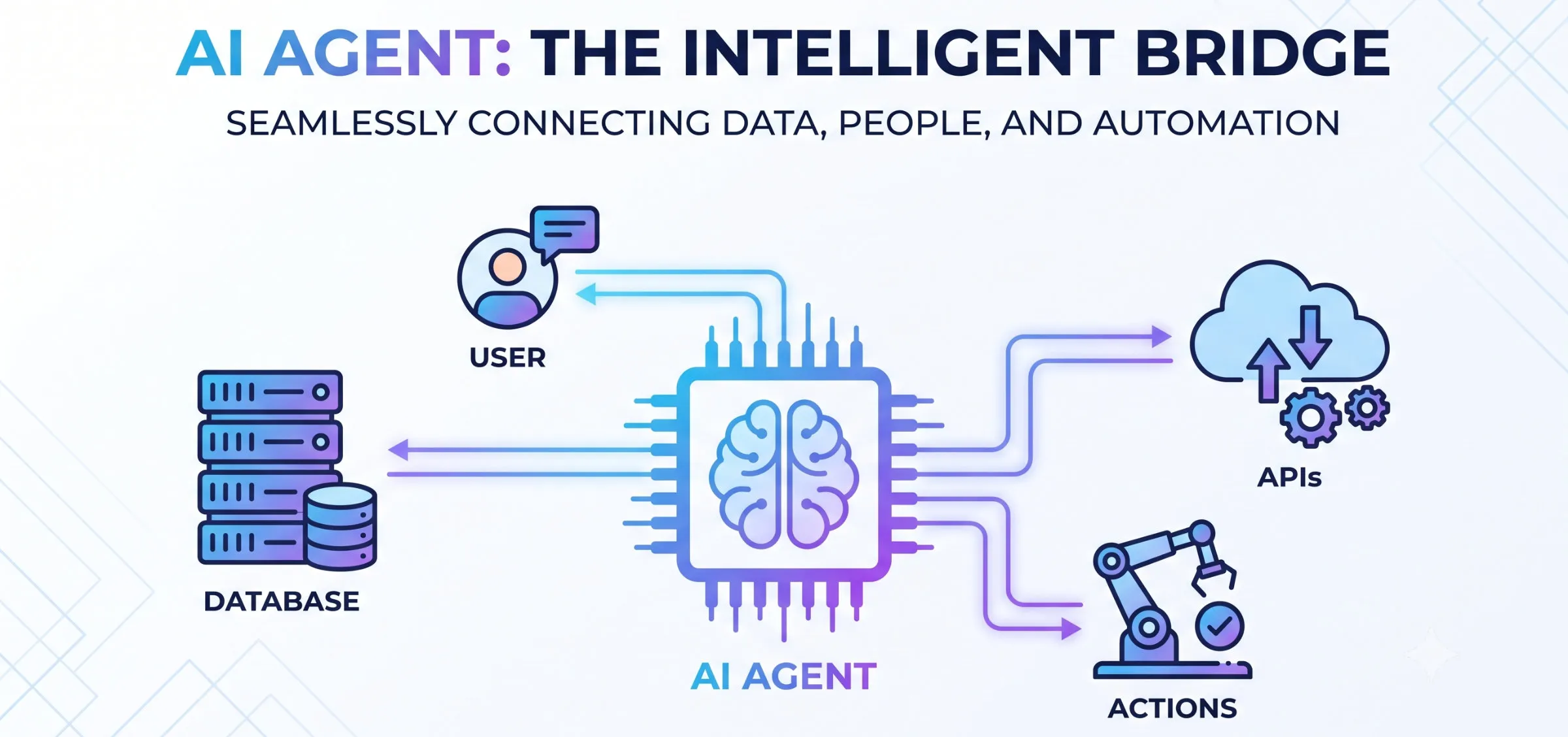
- A foundation for autonomous systems: Once scheduling becomes normal, you can extend it to full autonomous AI agents that talk directly to your databases and internal tools.
If your team wants to move past manual prompts and run custom production AI agents wired into how you already work, contact Mon AI. Start with the one task you repeat every week—we’ll help you scale from there.